You’ve set up your LinkedIn account. Your personal details are complete, profile picture in place and your experience and education perfectly listed.
It looks great. Hmmm. Now, what to post?
LinkedIn is a platform designed to help you show off professionally. Think of it like Facebook or Instagram but focused on careers and opportunities. You don’t need loads of work experience to use it well. You just need to be willing to share and get involved.
If you’re not sure where to start, keep reading!
Text-only posts
When writing a post, think about your audience as people who are interested in you or the industry you want to work in. Start your post like a conversation. Introduce what you’re going to talk about, then share something helpful, interesting or reflective. It’s always a good idea to end with a call to action, such as a question you’d like others to respond to. This helps start conversations and increases engagement.
Using pictures
Images help stop people scrolling. Even a simple photo can make a big difference to how many people notice your post. The most engaging content is often a single clear image or a small group of at least three images that tell a story. It could be photos from college, a project you’ve worked on, notes from an event or something you’re proud of.
Video content
Video is one of the most engaging types of content on LinkedIn. Vertical video (like Insta reels) works best and adding captions is really important as many people watch without sound. Try to keep your video under two minutes. You could talk about something you’ve learned, an experience you’ve had or advice you’d give to someone else who is starting out in a role like yours.
Going live
If you’re feeling really brave, you can go live on LinkedIn. Live videos should be at least two minutes long and your network is notified when you start. This works well if you’ve attended a conference, want to talk through some interesting statistics or reflect on an event. If you can get to grips with it, it can be a great way to build your presence.
Carousels
LinkedIn allows you to upload documents and display them as a carousel. These usually work best when there’s one or two short sentences on each slide. They’re visually appealing and easy to read, as people can flick through at their own pace. Carousels are great for sharing tips or breaking down a tricky topic in a simple way.
Polls
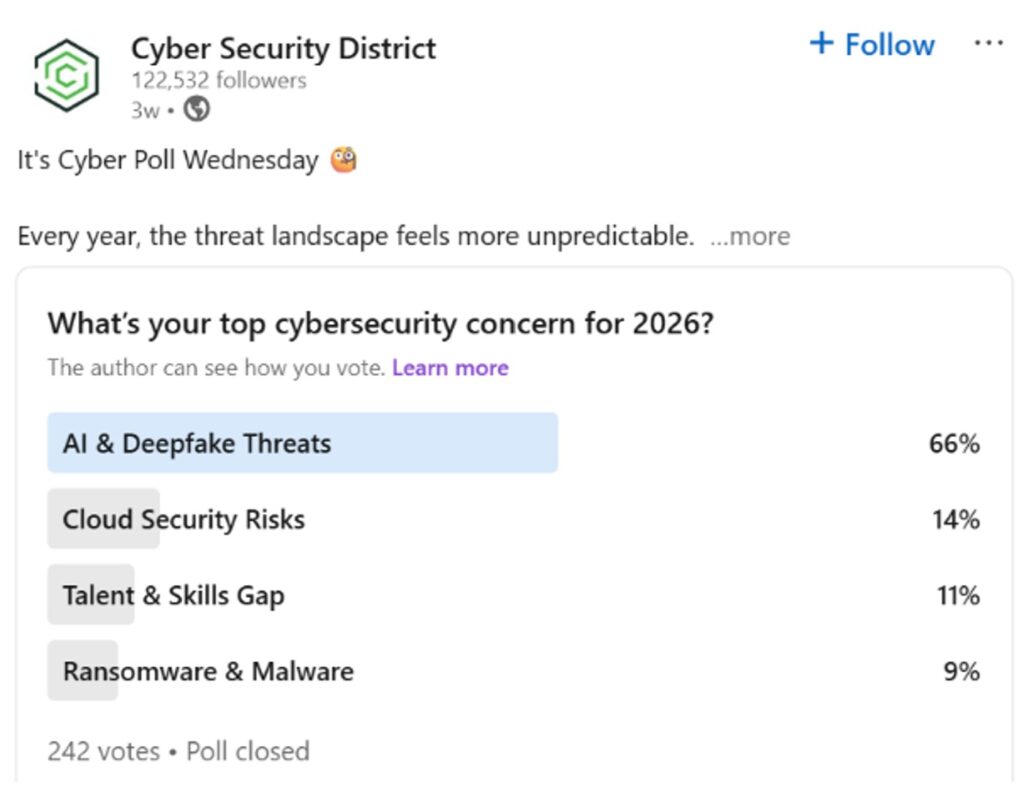
Polls are a simple but effective way to get people interacting with your profile. You can ask a question and offer a few answer options. Once the poll closes, you can even create another post discussing the results and sharing what you found interesting. This helps keep the chat going.
Writing articles
LinkedIn also allows you to write longer articles. You can add a header image, write an introduction, and then follow the step-by-step guide to publish. Articles tend to have a longer shelf-life than posts, meaning people can find them weeks or months later. You could write about something you’ve learned in an industry or give your opinion on new data or research you’ve read.
Sharing trends or research
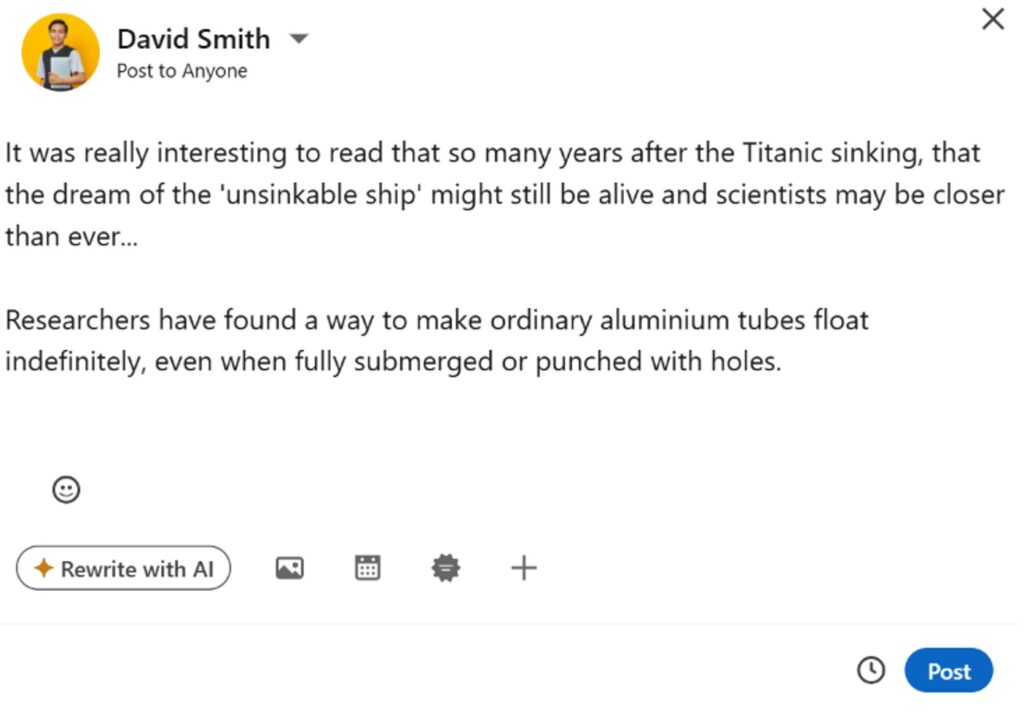
If you’ve been to a talk, conference or workshop, or you’ve read an insights report with interesting statistics, these make great conversation starters. Sharing trends shows that you’re interested in your field and keen to learn more. Ending your post with a question encourages others to join the discussion.
Sharing your achievements
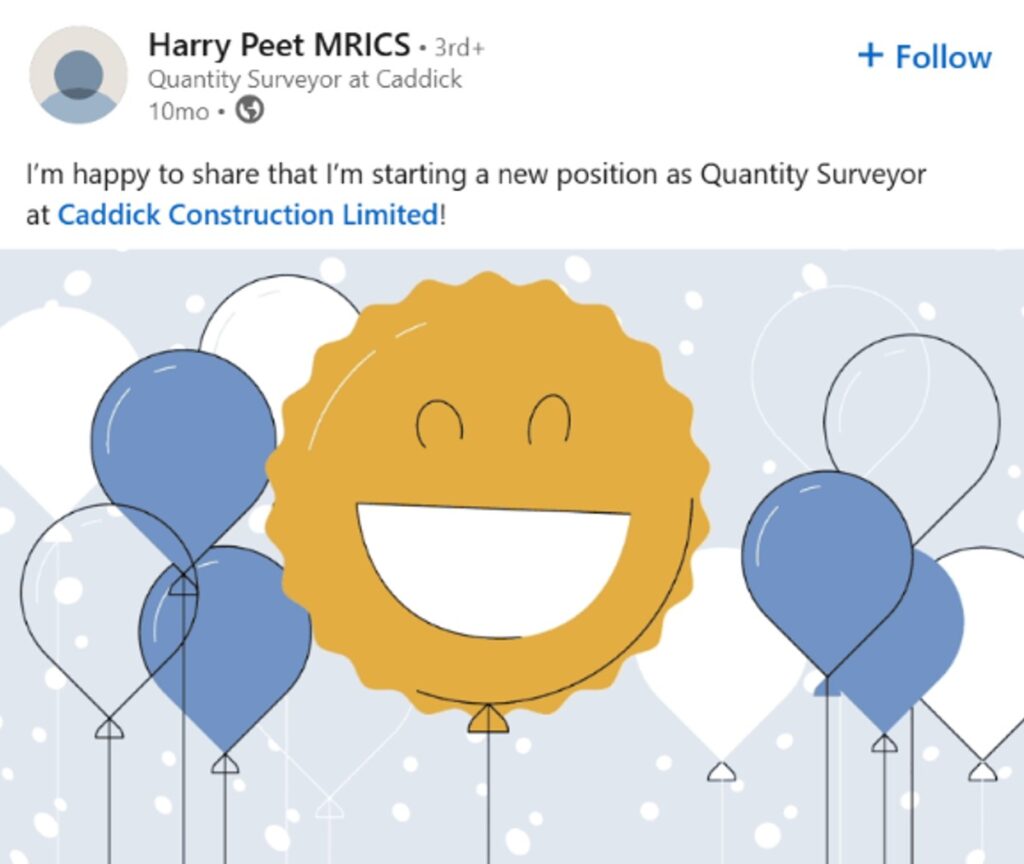
Finally, don’t forget to share what you’ve achieved. This doesn’t have to be something huge. It could be figuring out how to do something difficult, completing a project, being nominated for an award, or landing a placement, internship or first role. If it mattered to you, it’s worth posting about.